Christine Rietmann, who is one of my students at Münster University of Applied Sciences in Germany shared her journey of preparing and passing the Tableau Desktop Specialist exam on this blog some months ago.
Now she sat down with Melody Cheung, who is on the Academic Programs team at Tableau, to talk about her experience with learning Tableau and her journey to passing the Desktop Specialist certification exam and her famous blog series "Becoming a Tableau Desktop Specialist,” dedicated to documenting her journey to being certified.
Find the interview here.
About Tableau Certification
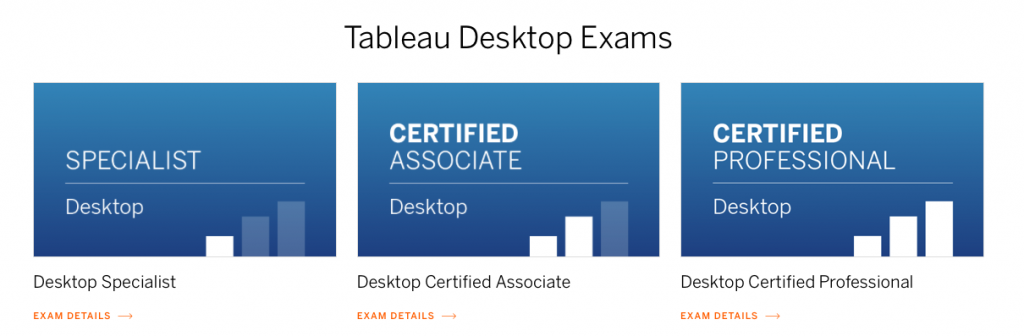
Tableau offers three different Tableau Desktop Exams with various levels of difficulty. Tableau recommends a product experience of 3 months for the Tableau Desktop Specialist Exam, so this certification might be the best choice for beginners. The test “focuses on foundational functionality and product comprehension”. Another important aspect, which convinced me, is that the certification has no expiry date. So, if you pass the exam once you get a valid certification for a lifetime.
Find all the posts to preparing yourself for the Desktop Specialist exam here:
- Part 1: Create ans save data conenctions
- Part 2: Data Connections & Data Properties
- Part 3: Dimension and Measures
- Part 4: Discrete vs. Continuous & Aggregated vs. Dis-aggregated
- Part 5: Create Basic Charts
- Part 6: Sets, Gropus & Filters
- Part 7: Apply analytics to a worksheet
- Part 8: Format your view
- Part 9: Create and modify a dashboard